Knight XL won't load

Hello. First time posting knight XL lochinvar boiler. I am the maintenance tech for the building. Today it looked like it was stuck on startup screen so I reset. Waited 5 minutes and turned back on. Still stuck on startup an hour later. What should I be looking for? Board fried? Lost programming. Help guys. Boiler service call usually takes 3 days to a
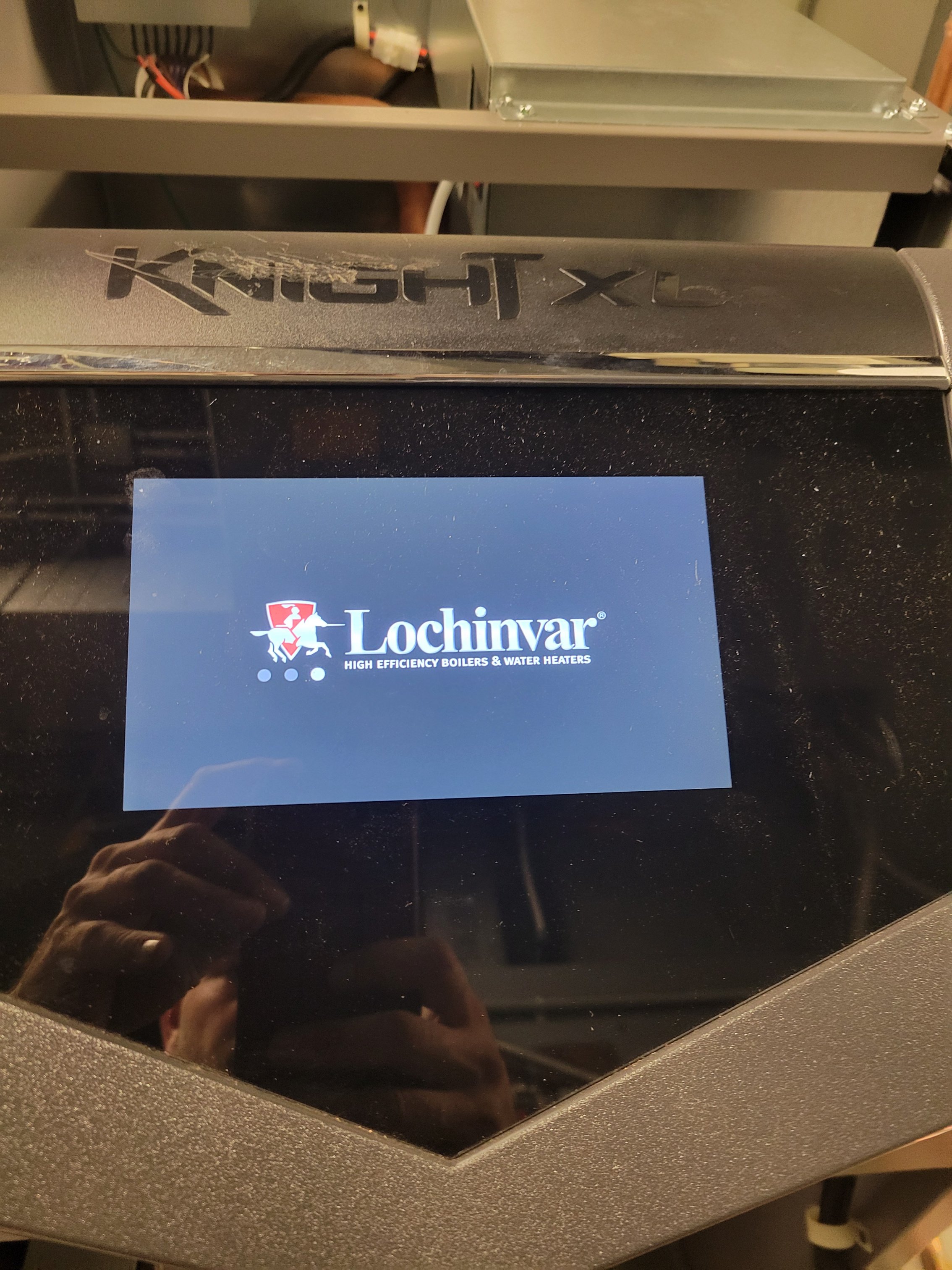
week I need heat now.
Comments
-
is the boiler functioning at all?
0 -
That’s mighty little info to do a diagnosis from.
What calls the boiler on? A thermostat? BMS?
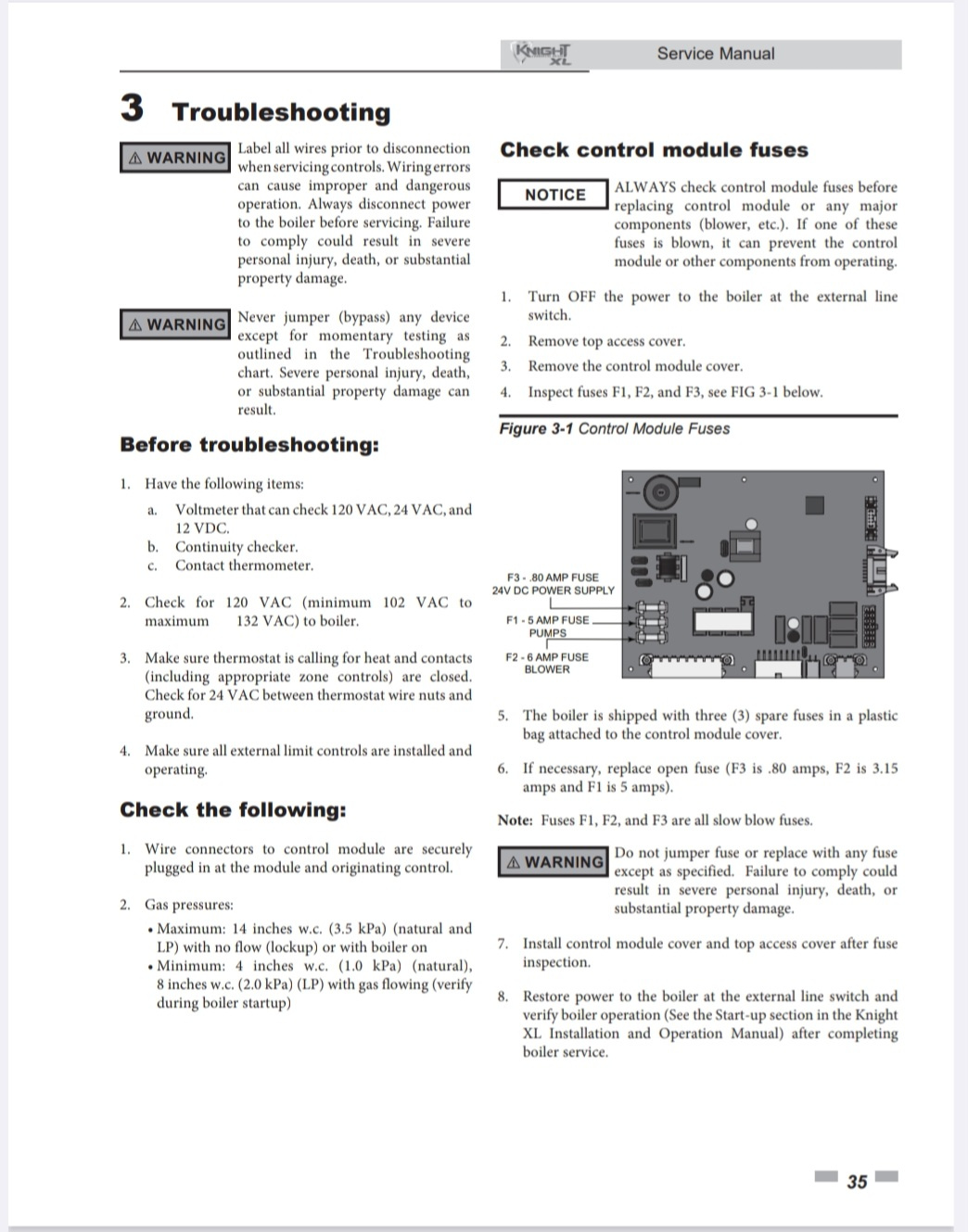
You’re gonna have to do what any of us would do if we were there: get out a DMM and the service manual and start taking readings.
Bob Boan
You can choose to do what you want, but you cannot choose the consequences.0 -
i think being stuck on the boot screen is their problem which doesn't look promising unless there is some way to factory reset the firmware
1 -
Completely agree. It is remotely possible that if you completely remove power from it for at least 5 minutes that it might reset — but I do mean completely remove power. Disconnect the AC power (not just turn it off) — and then check in the service manual to see if there is a "keep alive" battery in there somewhere (which is very likely — it's there to retain settings when there is a power failure) and, if so, how to disconnect that.
Depending on what type of memory it has, you may or may not lose all your programming inputs.
And there is no guarantee. If it's just stuck in a boot loop, that should work. If it's a bad memory location of processor, you're done.
Br. Jamie, osb
Building superintendent/caretaker, 7200 sq. ft. historic house museum with dependencies in New England0 -
Do you have gas pressure and adequate fill pressure?
Bob "hot rod" Rohr
trainer for Caleffi NA
Living the hydronic dream0 -
Select R then select yes, then hold for five seconds. After that if you get no where in the menu selections, you will probably need a password that some one before you had set up. Look in the notes of the owners manual if you can find it.
Sorry for your troubles…Ive been there.
 2
2 -
If @intpalm's thing doesn't do it or if the buttons referred to are virtual and it doesn't get that far, call lochinvar. It may also be a connector between modules or the display and the control or something that is unplugged or loose, I don't know enough specifically about how a lochinvar works.
 1
1 -
 0
0 -
Turn power off at wall switch or breaker, not rocker switch on unit. Let sit for appx 15 min to discharge capacitors. Then turn back on and see if any success. If still bad try disconnecting and reconnecting display cable at main control board and display. You could have tarnished pins on comm cables that sometimes will clear off plugging and unplugging at both connections.
Good luck
Tim
1




Categories
- All Categories
- 87.6K THE MAIN WALL
- 3.3K A-C, Heat Pumps & Refrigeration
- 59 Biomass
- 429 Carbon Monoxide Awareness
- 124 Chimneys & Flues
- 2.2K Domestic Hot Water
- 5.9K Gas Heating
- 119 Geothermal
- 168 Indoor-Air Quality
- 3.8K Oil Heating
- 78 Pipe Deterioration
- 1K Plumbing
- 6.6K Radiant Heating
- 394 Solar
- 16K Strictly Steam
- 3.5K Thermostats and Controls
- 56 Water Quality
- 51 Industry Classes
- 50 Job Opportunities
- 18 Recall Announcements